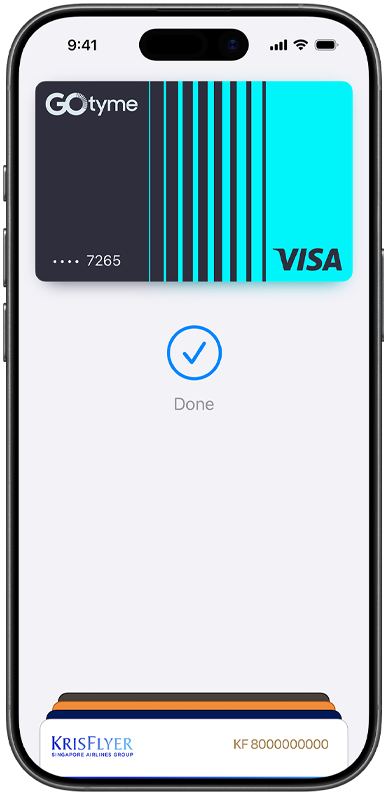
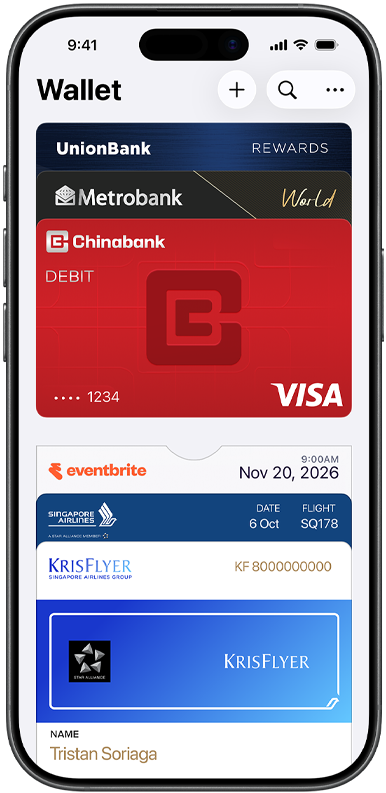
Set up Apple Pay in seconds. Learn how


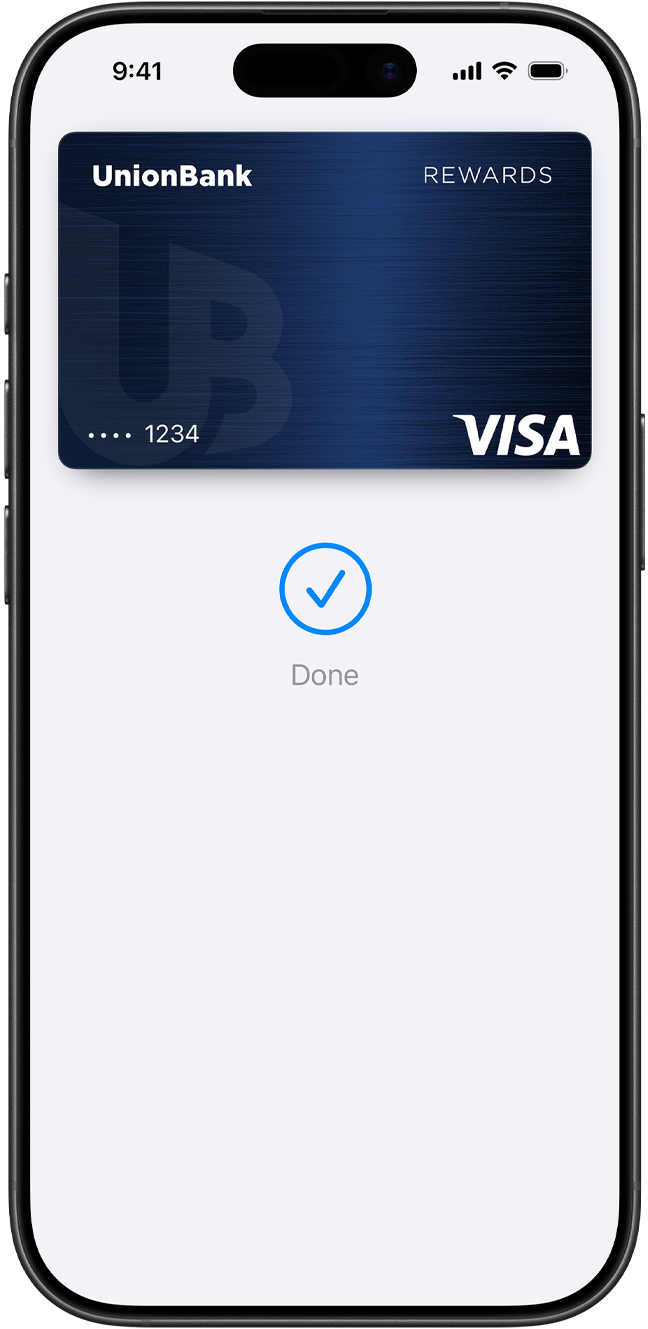
Set up in seconds. Right on your iPhone. Apple Pay is built into iPhone, Apple Watch, Mac, and iPad. To get started on iPhone, open the Wallet app and tap the plus symbol. Then add a credit or debit card by tapping the back of your iPhone with your eligible card.1 You’ll have the option to add your card to your other devices at the same time. When you want to pay, just double-click, tap, and you’re set. You still earn your card’s rewards and benefits — so you won’t miss out on any points or miles.
How to add a cardApple Pay is already on your device. Apple Pay is built into iPhone, Apple Watch, Mac, and iPad. No separate app to download. No complicated processes to complete. No hassles.
Grab from the
corner café.
Order a new online.
Have delivered.
And from the
supermarket.
Just look
for
or when
you check out.
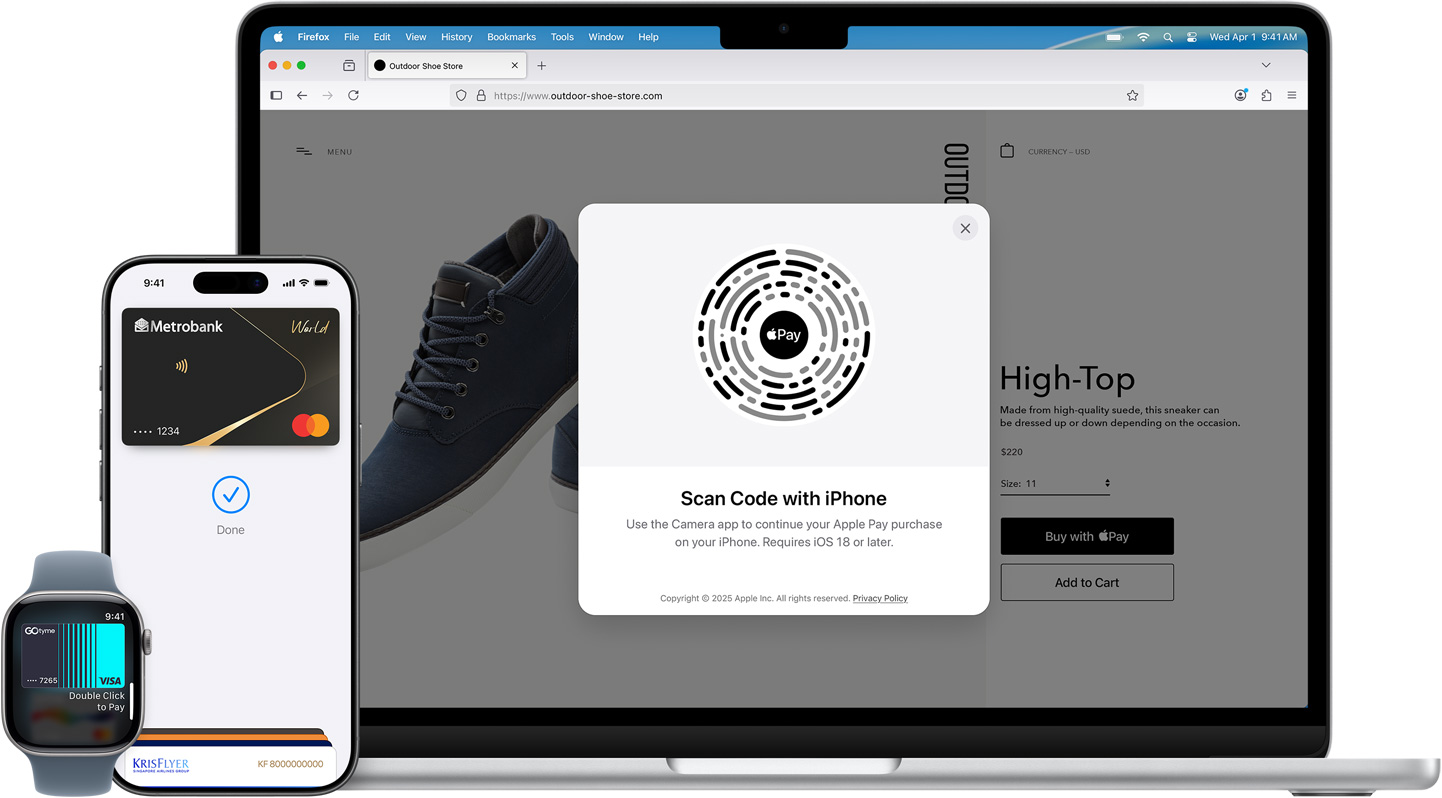
At stores and more. Apple Pay is widely accepted, so you can likely use it wherever and however you want. If you’re not sure, just ask. Apple Pay works anywhere that takes contactless payments — from coffee shops to grocery stores.
In apps and online. Use Apple Pay to seamlessly make purchases in Safari and other browsers — on iPhone, iPad, Mac, and other computers — without the lengthy checkout forms. On an Apple device, click or tap the Apple Pay button and pay with a touch or glance. On a non‑Safari browser, scan the Apple Pay code with your iPhone camera and use your iPhone to complete your purchase.2

Personal data. Protected. When you make a purchase, Apple Pay uses a device-specific number and unique transaction code. So your actual card number isn’t shared by Apple with merchants or stored on Apple servers. If you prefer not to share your email address with merchants when paying online, you can use Hide My Email to generate unique, random email addresses that automatically forward to your personal inbox.

Your purchases stay private. When you pay with a debit or credit card, Apple Pay doesn’t keep transaction information that can be tied back to you.

Tap more. Touch less. Apple Pay works right from your device, helping you avoid touching buttons and terminals, handling cards, and exchanging cash. Every purchase requires Face ID, Touch ID, or a passcode — helping to keep your security in your hands.
You can use Apple Pay to make purchases in stores, on websites, and in apps. It’s widely accepted, simple, safe, secure, and private.
Apple Pay is safer than using a physical credit, debit, or prepaid card. Face ID, Touch ID, or your passcode is required for purchases on your iPhone, Apple Watch, Mac, or iPad. Your identity isn’t shared with merchants, and they don’t see your actual card number. And your card numbers are never stored on Apple servers.
When you pay in stores, neither Apple nor your device will send your actual card number to merchants. When you pay online in Safari or in apps, the merchant will only receive information you authorize to fulfill your order — such as your name, email address, and billing and shipping addresses.
When you pay with a debit or credit card, Apple doesn’t keep transaction information that can be tied back to you.
It’s simple. Just add a credit, debit, or prepaid card to the Wallet app on your iPhone. And remember to add your cards to any other Apple devices you want to use with Apple Pay. It works on iPhone, Apple Watch, Mac, and iPad.
Apple Pay works with major credit and debit cards from banks around the world, with more added all the time. You can see all the banks that support Apple Pay here. If your card does not yet support Apple Pay, contact your bank for more information.
No. Apple does not charge any fees when you pay with Apple Pay — in stores, online, or in apps.
Apple Pay works in countries and regions that support contactless payments. Confirm with your bank, and ask about any fees they may charge for overseas usage.
Download the Apple Pay mark to use within email, on your terminal screen, on your website, and in your app.

Open the Wallet app
and tap to add a card.

Open the Apple Watch
app on your iPhone,
tap Wallet & Apple Pay,
and then tap Add Card.

Go to Settings
Wallet & Apple Pay
and tap Add Card.

On models with Touch ID,
go to System Preferences
Wallet & Apple Pay and
tap Add Card.
For more information, visit the
Apple Pay setup support page.